Almost two months has passed since our last sprint report but, except during the Christmas break, the team has been quite busy working on some features and bugfixes for the upcoming (open)SUSE releases.
But a post describing all that we have done would be quite long :), so let’s try to highlight a few of them.
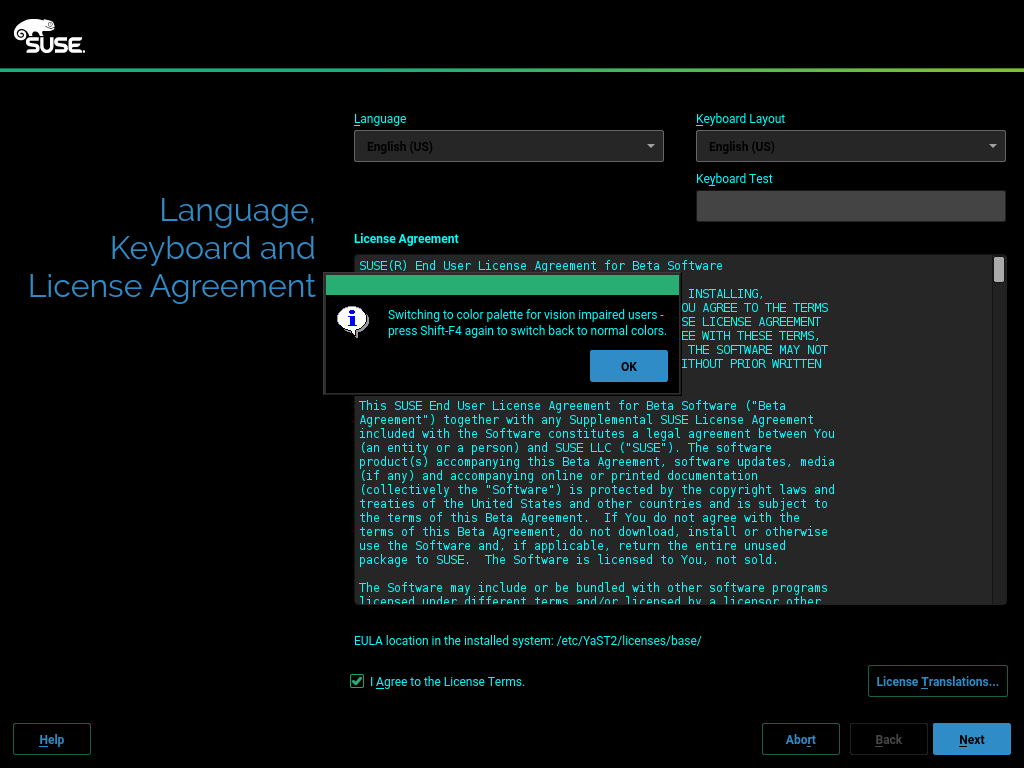
- YaST got a security audit and, although no real security problems were found, we were asked to introduce some improvements.
- Now it is possible to run the installer through PXE Boot without any local repository. Pretty specific but cool stuff!
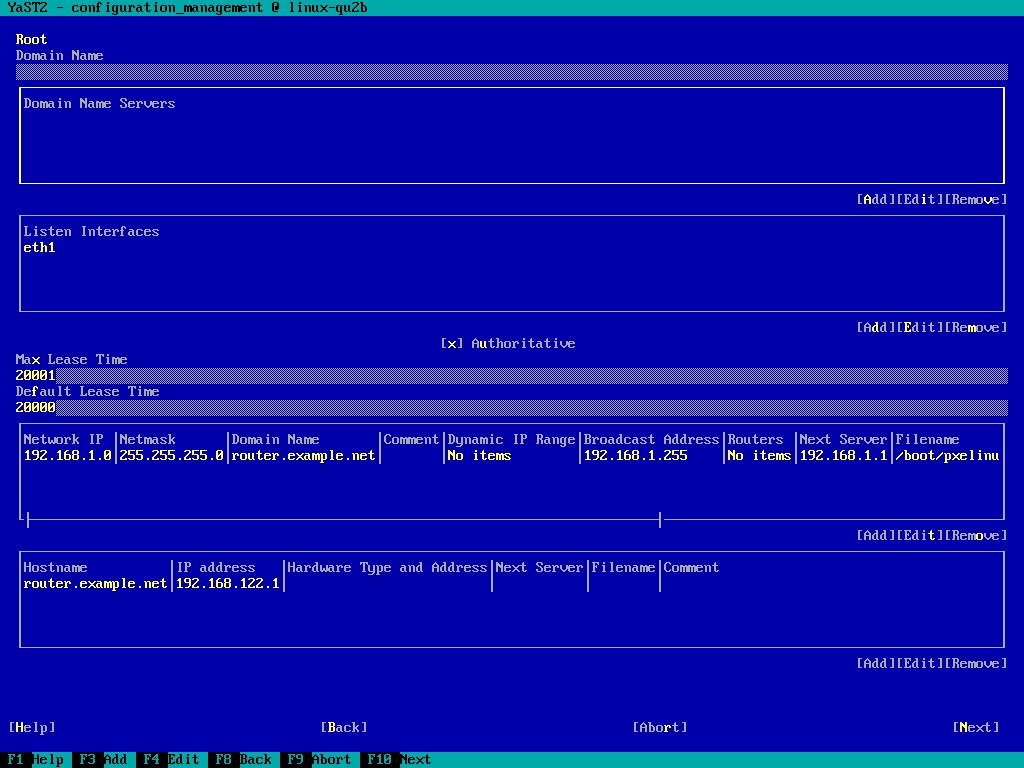
- We are in the process of revamping SUSE Manager Salt Formulas support in the YaST2 Configuration Management module. Do not be fooled by the name, it is not limited to SUSE Manager.
- YaST icons are now included in the package were they are used. We hope it will make things easier for icon designers.
- The Firewall module got support for creating firewalld custom zones.
- Performance when reading huge /etc/hosts files has been greatly improved.
- CD/DVD sources are always disabled after installation.
YaST Security Hardening
Our SUSE security team did a security audit for YaST. The good news is that there were no real security problems that you should be concerned about. Still, we did some hardening to make the code even more secure.
This might have caused some breakages in Factory / Tumbleweed because many places in the code were touched. We apologize for any inconveniences that might have caused; but we are sure you prefer YaST to be more secure.
Most changes were centered around calling external commands, which YaST does a lot. Since YaST is running with root permissions in most cases, we want to make sure that this is as secure as possible. If you find any problems with it, please write bug reports.
What exactly we did and how we did it is summarized here: YaST Security Audit Fixes: Lessons Learned and Reminder
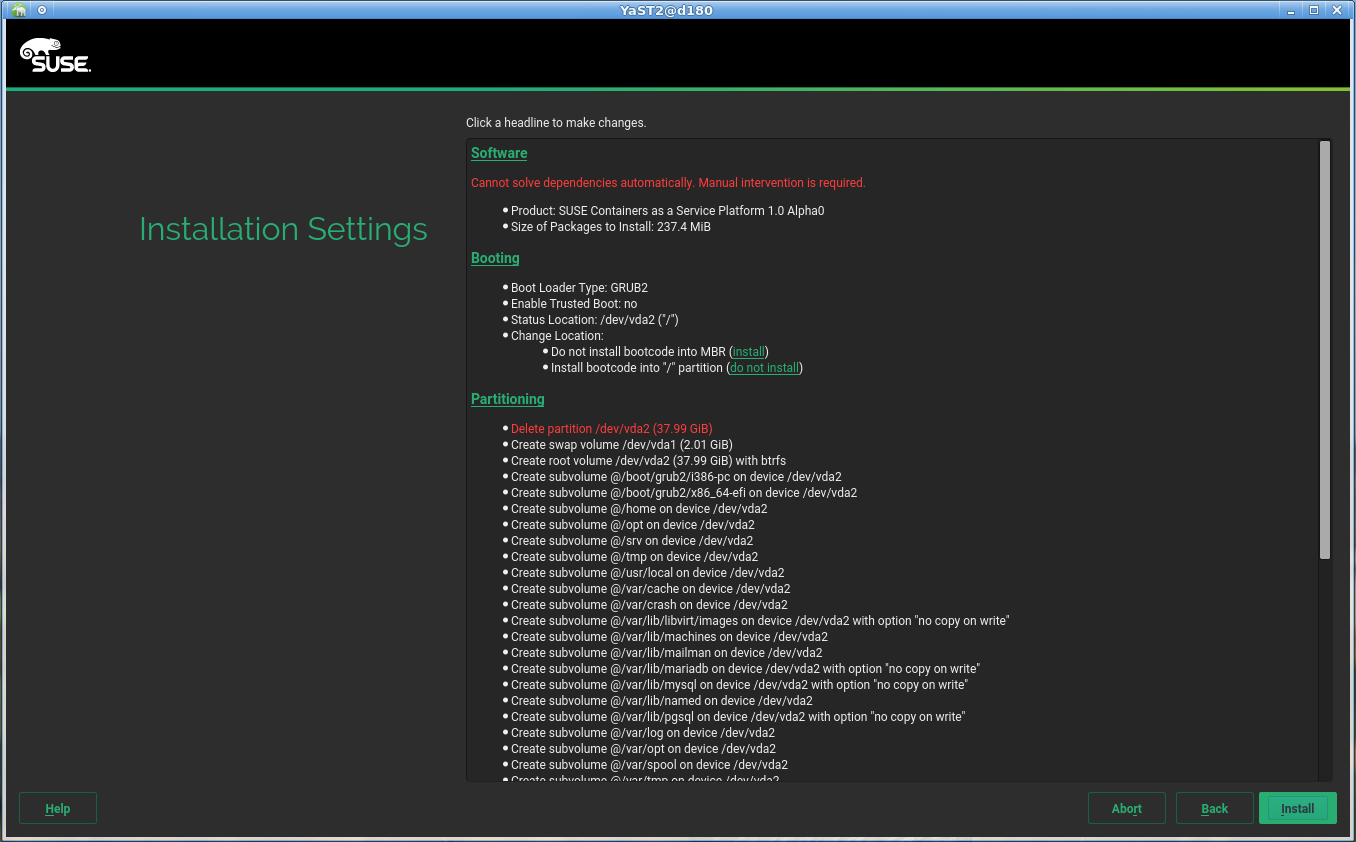
Installing via PXE Boot without any Installation Repository
In data centers and other big-scale enterprise environments, administrators rarely install new software via removable media such as DVDs. Instead, administrators rely on PXE (Preboot eXecution Environment) booting to image servers.
Installing Linux Enterprise in such environments typically requires two auxiliary servers in the local network:
- The DHCP/TFTP server providing the minimal system used by PXE to execute the installer.
- A server making the SLE DVD repository accessible in the local network via FTP, HTTP or any similar protocol.
Very often, the second one is more a requisite imposed by the installer than something really useful. In most cases, the system been installed will be registered in the SUSE Customer Center (or any of its proxy technologies like SMT or RMT) and will get all the software from there. Thus, we decided to save the administrators the extra steps of downloading the SLE ISO image and setting up an install server to serve the content of that ISO, for cases in which that was really not needed.
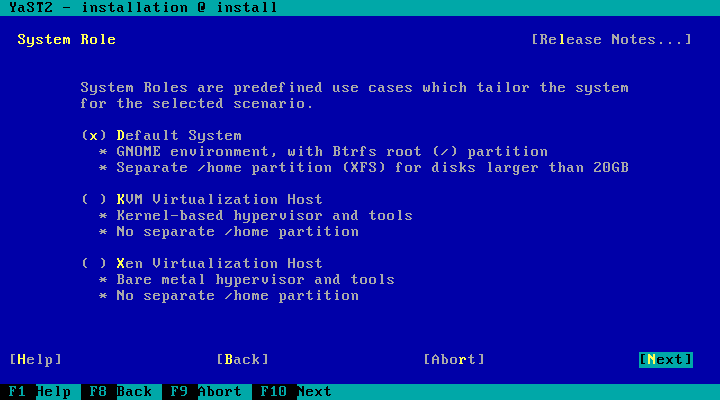
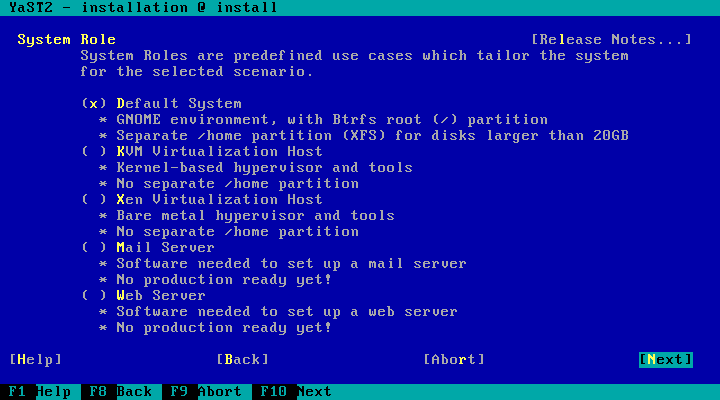
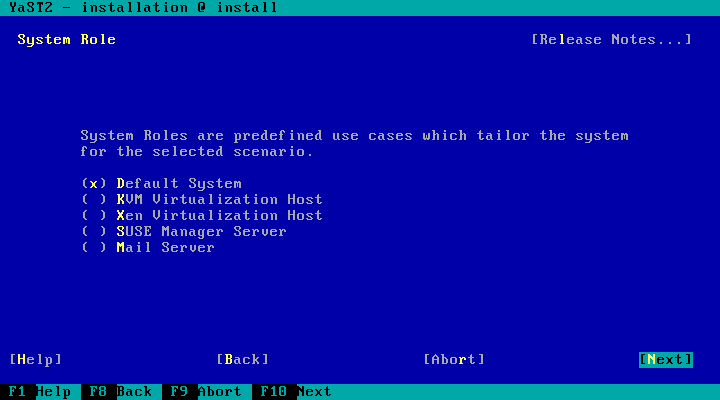
But the repositories are not only used to get the software been installed in the final system. As explained often in this blog, we have a single installer for all the products and flavors of SUSE and openSUSE, as different as the installation process looks for all of them. That generic installer uses the information in the installation repository to get its own configuration. That includes the available products (and its corresponding system roles), the steps and options to present to the user, the desired partitioning setup and many other aspects. Without that information, the installer is basically a musician without his score.
Starting with SLE-15-SP1, it will be possible to use the boot parameter NOREPO=1 to tell the installer to not expect (and more important, to not require) any local repository in the DVD or in the local network. In that case, the installer will be able to proceed up to the registration screen and get the information for the upcoming steps of the installation from the registration server. In the openSUSE case (where registration makes no sense), it will be able to reach the screen that allows to add more repositories.
Another step (and certainly not an easy one) to improve the installation experience for our users. Data center administrators, enjoy! 🙂
Revamping SUSE Manager Salt Formulas Support
Back in 2017, the YaST Configuration Management module got support to handle SUSE Manager Salt Formulas as part of a Hack Week project. If you do not know what this feature is about, you might be interested in checking the Forms are the Formula for Success presentation or the Hack Week project follow-up post.
Since then, the forms specification has evolved quite a lot and YaST support was basically outdated. So on November 2018 we started to work in order to bring the missing pieces to the YaST module. Basically, we rewrote the forms support and, although there are still rough edges, we are pretty close to release a new version with up-to-date support for this powerful feature.
Managing Custom Zones Definitions in YaST Firewall
The new YaST UI for configuring firewalld was announced in the report of the sprint #63 (four months ago… time flies!) and, since then, we have continued improving it.
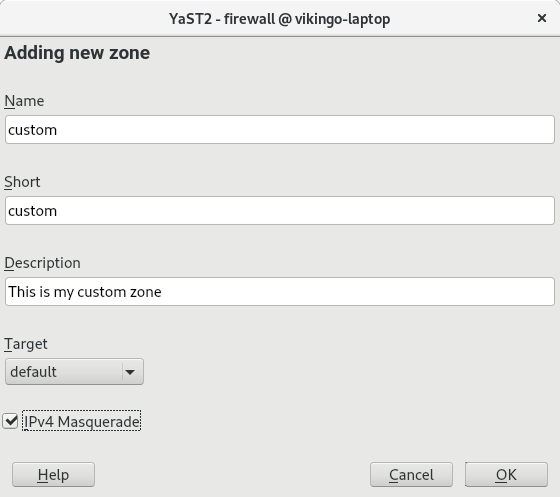
firewalld ships with some predefined zones. Although it covers most users needs, in addition it allows the user to define custom zones. During the last sprint we have added support in the new UI and also in AutoYaST to manage custom zones.
During the development process some problems detected in the AutoYaST configuration were addressed too.
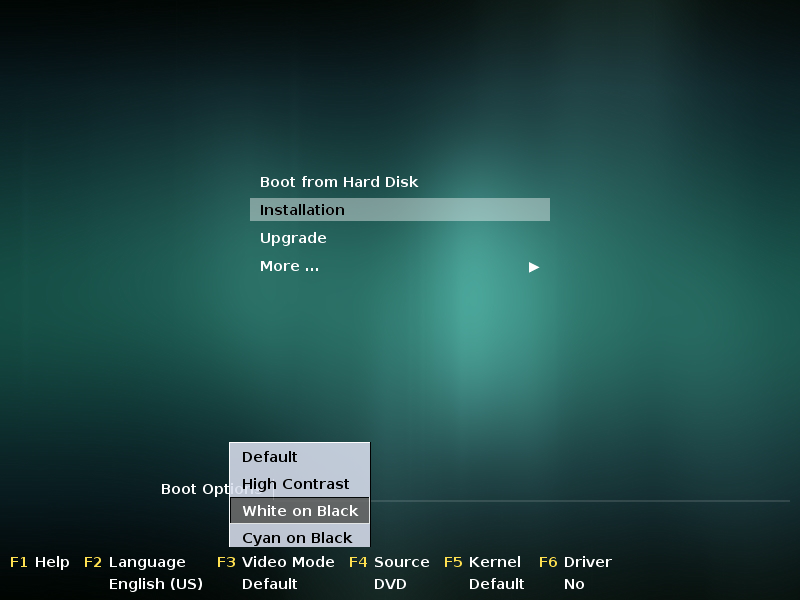
Updated YaST Branding and Icon Handling
In the past the YaST icons were included in the yast2-branding-openSUSE (openSUSE) and yast2-theme-SLE (SUSE Linux Enterprise) packages. The standard YaST icons were included in these packages, the standard YaST modules did not include any icons.
However, the disadvantage for the icon designer was that it was not clear which icons were really used.
If you wanted to update the icon theme you could potentially do a lot of useless work because some icons were not used anymore.
Now the icons are included in the respective YaST package, if the package is dropped the icon is dropped as well.
The package manager UI includes compiled-in fallback icons. That means if the branding package is broken or the icon files are accidentally deleted from disk then it will be still usable for emergency recovery.
The branding still works, the vendor can still provide specific icons which will override the included ones. So it is still possible to have a different look in the openSUSE and SLE products.
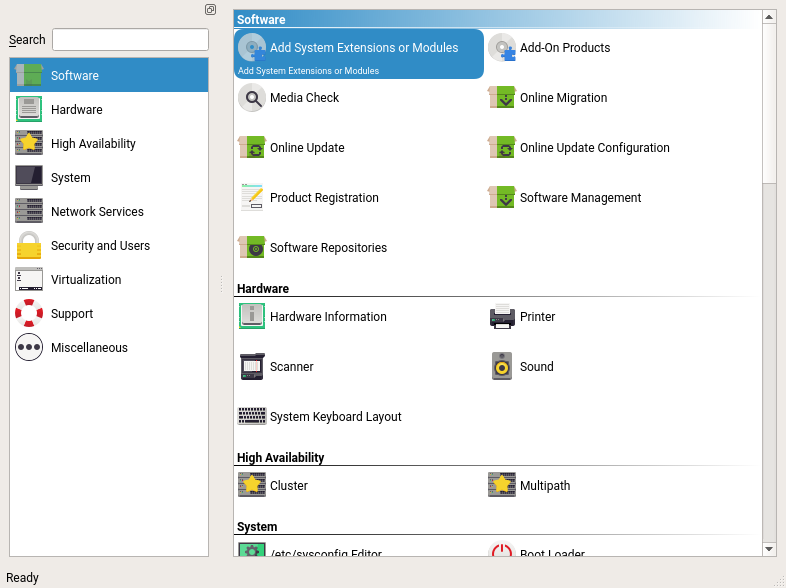
A big thank you goes to Stasiek Michalski and Noah Davis from the community who did the changes in the YaST code, designed the new icons and did a lot of cleanup!
Improving Performance when Loading Huge /etc/hosts Files
It might happen that you need to maintain a huge /etc/hosts file, especially when dealing with ads blockers. Such file with thousands of lines took an incredible amount of time to get loaded into YaST2. On some configurations it could even happen that loading a /etc/hosts with around 10.000 lines freezes the system completely. After some refactoring in YaST2 Host module, the performance has been significantly improved and loading a file with 10.000 lines now takes approximately 30s on the same configuration where it crashed before.
Disabling CD/DVD Repositories After Installation
If you install your system from a CD/DVD source it usually happens that this repository was not available for whole live of the system. In some use cases this was only uncomfortable because of some warnings but, in other cases, it caused serious complications, for instance, when trying to do a migration.
In the past, under some circumstances, those repositories were already disabled. But, from now on, they will be disabled always in order to avoid unwanted side effects.
Closing Thoughts
That’s all for the first report of 2019. In case you are wondering, the plan is to stick to the plan of publishing a report after each sprint, so expect the next one in about two weeks.
However, we recently had to migrate from the so called GitHub Services (now deprecated) to GitHub web hooks, so you might get an extra blog post about that very soon.
Stay tuned!