After some time of silent work (our previous blog post was published a month ago), the YaST Team is back with some news about the latest development sprint and some Hack Week experiments. Those news include:
- Enabling YaST on the Windows Subsystem for Linux
- Usability improvements for the Online Search, the Partitioner and the Kdump module
- Better control of overridden
sysctlconfiguration values - Improvements in the default selections of the upcoming SLE 15 SP2 installer
- New features for zSeries mainframes like Secure Boot and I/O devices auto-configuration
- And, as a bonus, a couple of Hack Week projects related to YaST, Ruby and Crystal
So, as you can see, we have a little bit of everything in the menu, from WSL to mainframes, from new features to small usability improvements, from installation to system fine-tuning… So let’s dive into the details!
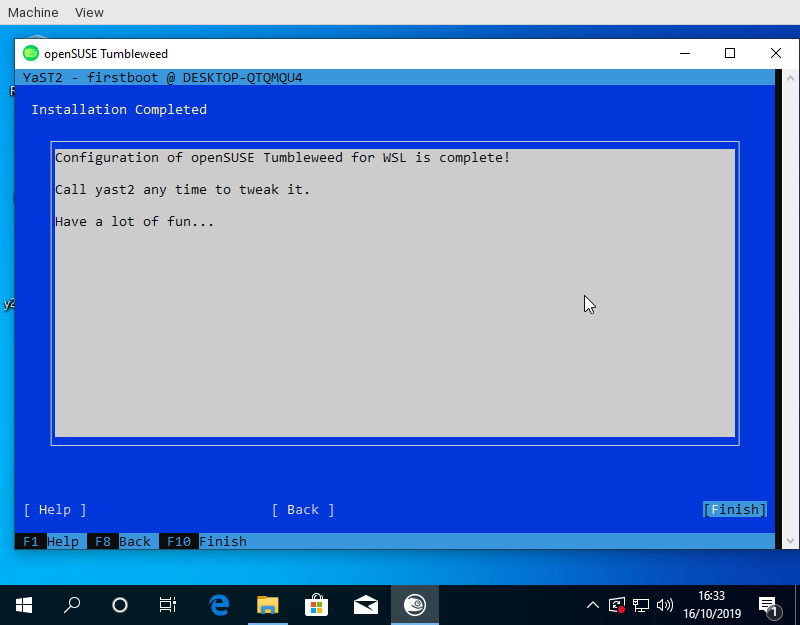
Improved compatibility with WSL
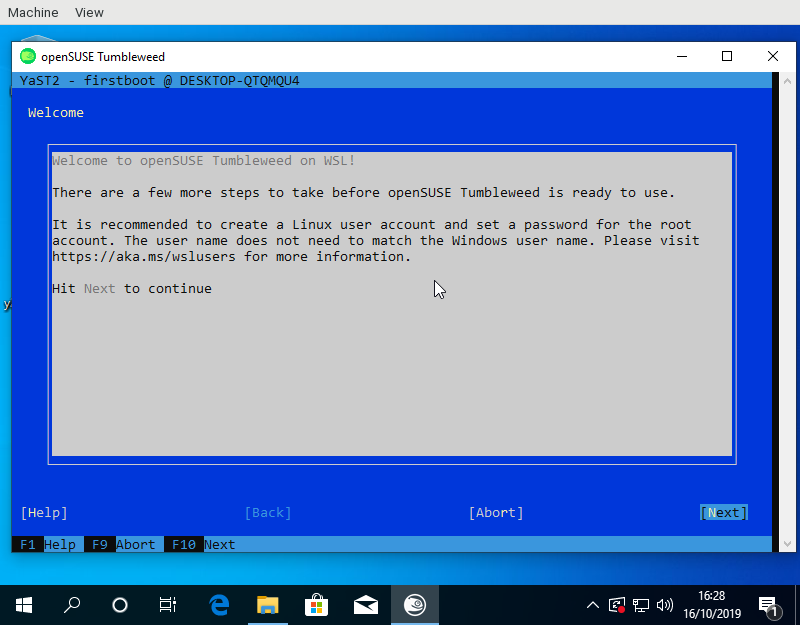
Have you ever heard about WSL, the Windows Subsystem for Linux? To be honest, before this sprint we haven’t payed much attention to it either. But as both openSUSE Leap and SUSE Linux Enterprise (SLE) are available to Windows users via WSL images and the 15.2 releases of both distributions are approaching, we decided it was time to dive into WSL to research how it works and how can YaST be useful there.
Setting up an (open)SUSE test system inside a WSL environment was a piece of cake thanks to the excellent documentation at the openSUSE Wiki.
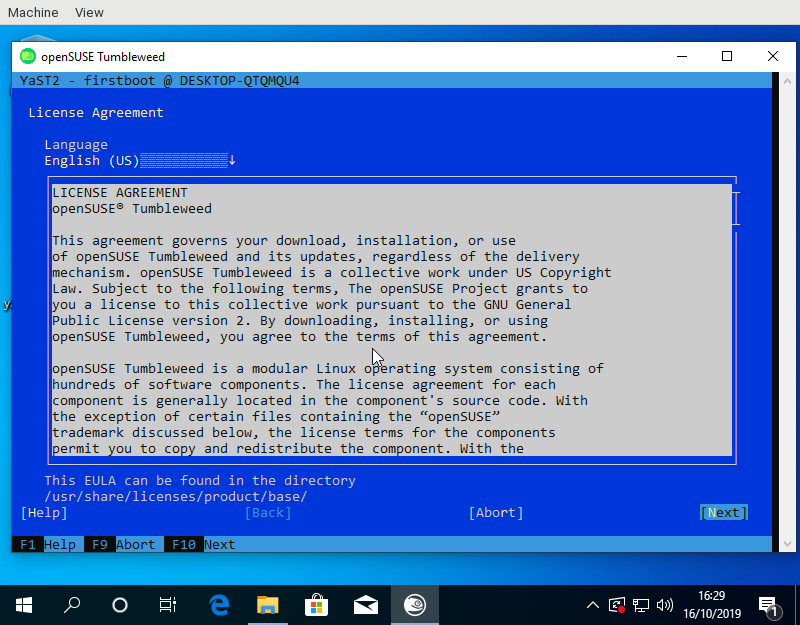
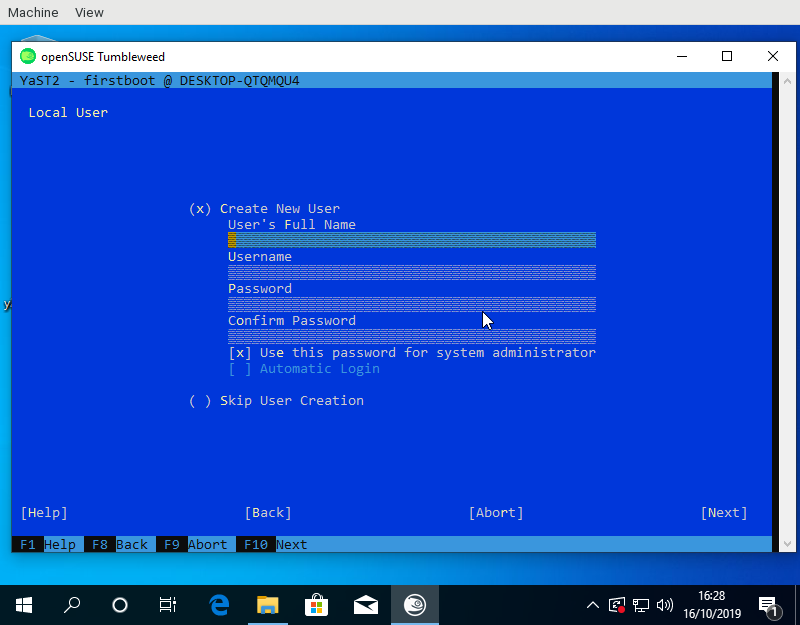
Many components of YaST are useless in WSL because not everything can actually be configured from the Linux system itself and because systemd is not available (we are talking exclusively about WSL1 here). But YaST is still very useful for the initial setup of the system when running the (open)SUSE image for the first time. It can be used to setup the first user, to confirm the license and, in the SLE case, also to register the system. The YaST modules for software management can also be very handy to customize the image at any point after that initial setup.
So far, we have done three changes to improve the experience of executing YaST within WSL.
- We increased the speed of the initial boot by removing calls to systemd when it is not available.
- We fixed the registration process for YaST Firstboot.
- We implemented a feature to explicitly mark YaST modules that work in WSL and show only those modules in the YaST control center.
We also documented all our findings about WSL in this document.
As always, we are hungry for feedback. Please reach out to us and tell us what’s your experience using YaST inside WSL and which modules do you miss the most.
Improving the UX of the Online Search
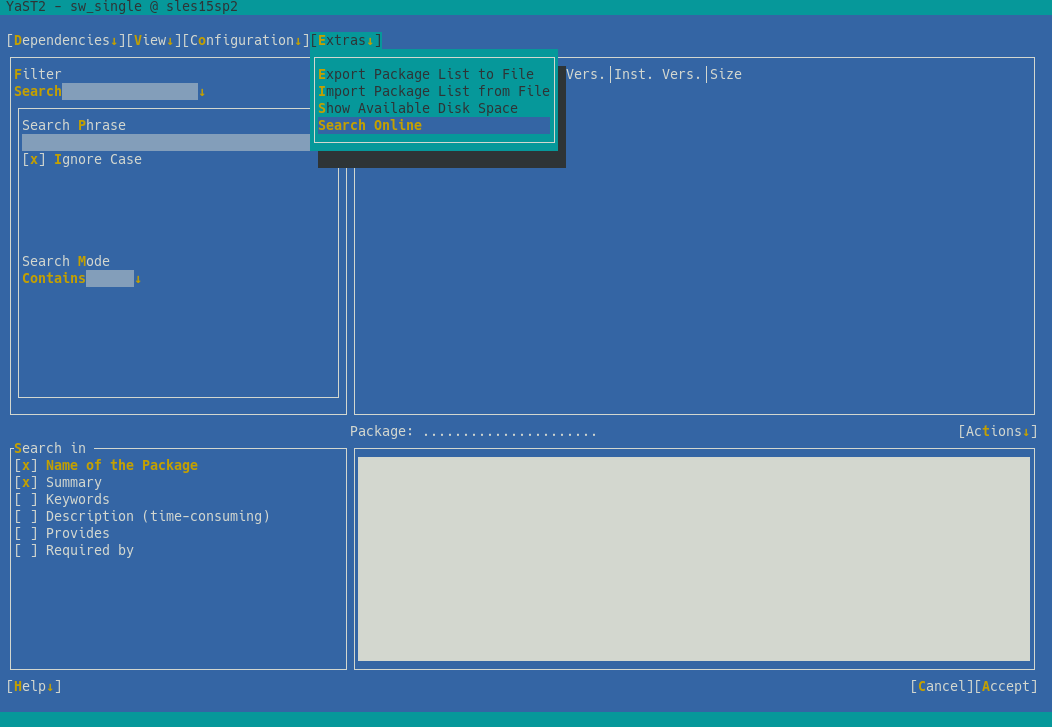
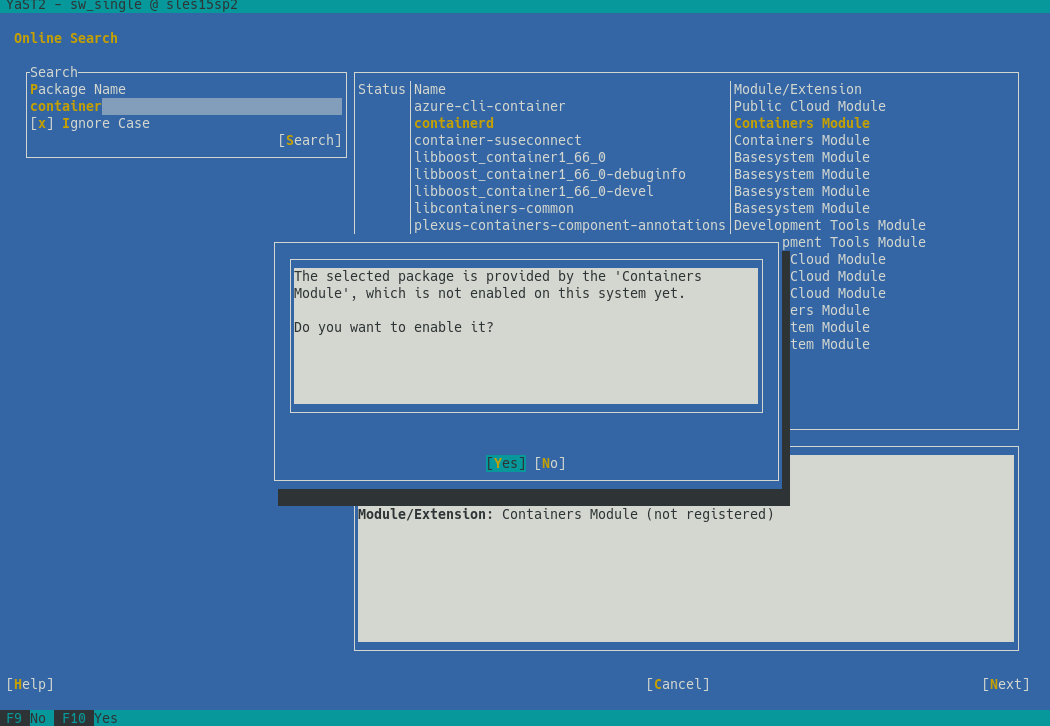
As we announced one month ago, YaST will offer a mechanism to search for packages through all SUSE Linux Enterprise modules, even if they are not registered. This feature, known as package online search, was already available using zypper’s search-packages command or through the SCC web interface.
After gathering some feedback during the sprint review meeting, we decided to invest some time improving the overall UX experience. Perhaps the most relevant change is the new summary screen, which shows the list of modules to activate and packages to install.
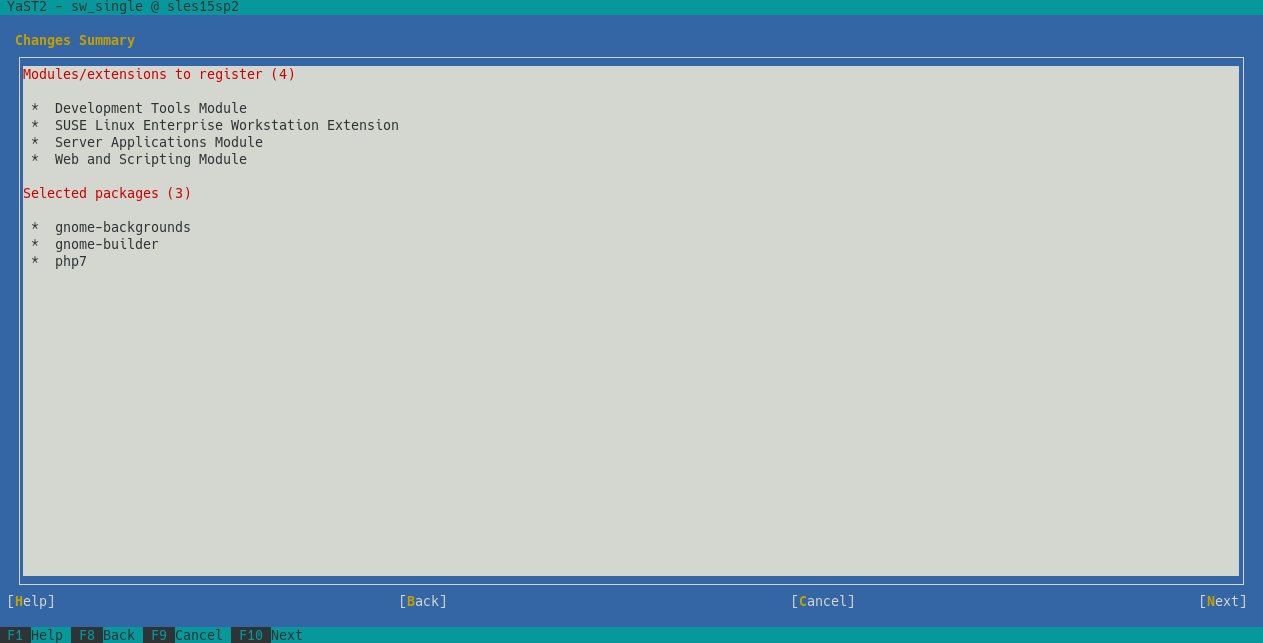
Additionally, we improved error handling and, by the way, we fixed the case sensitive filter.
…And the Partitioner as Well
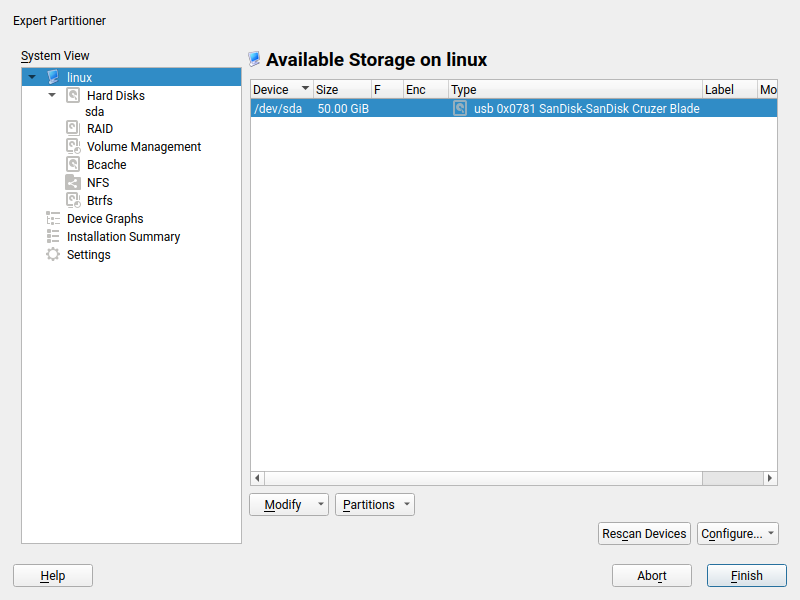
The online search is not the only part of YaST that has received some love in the UX area. We also tried to improve a bit the usability of the Partitioner. In this occasion, based on the feedback coming from our users via openSUSE’s Bugzilla.
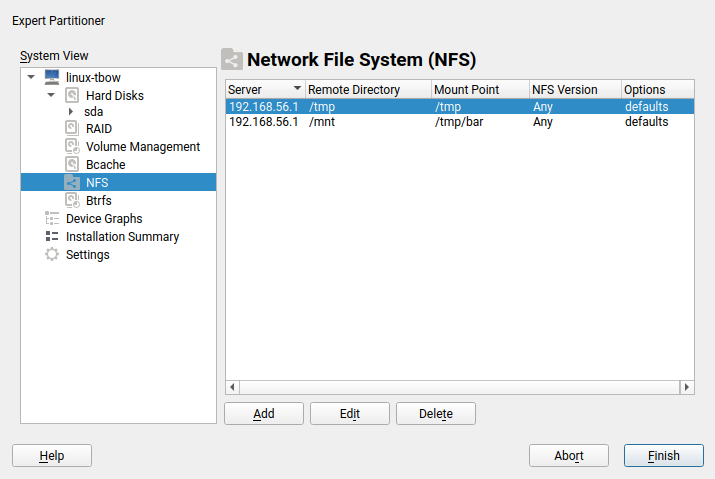
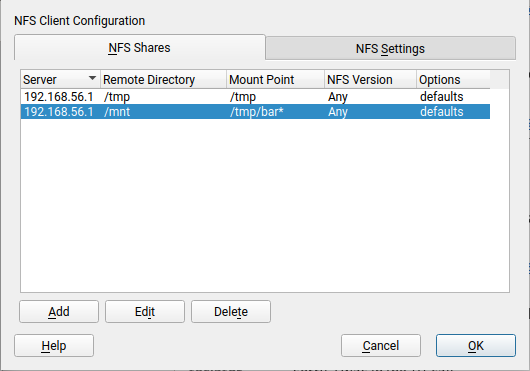
On one hand, we got a report about this dialog been too long to properly fit in low screen resolutions.
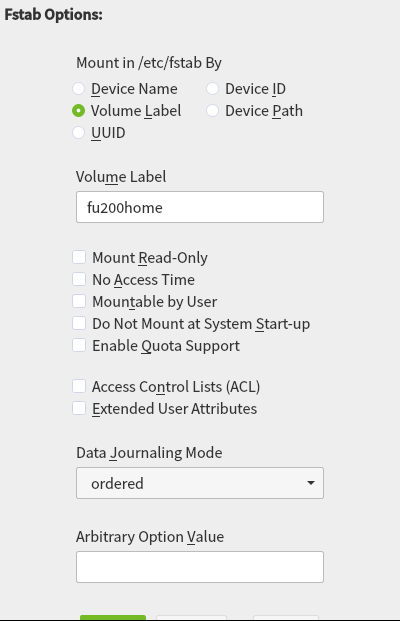
The result was even worse in a text console with a resolution of 80 columns and 24 lines, which is the minimum size we design all YaST screens to work on.
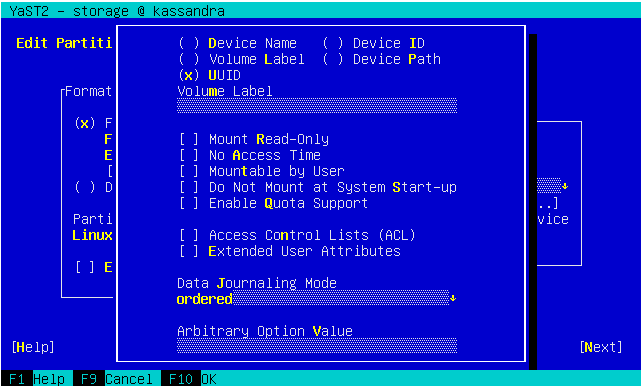
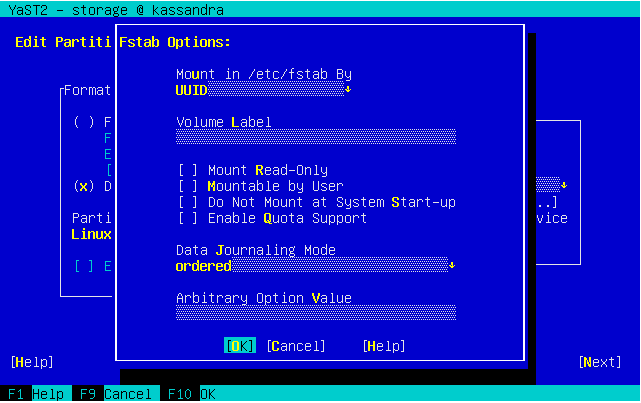
So we dropped some obsolete options and made others more compact. Now the dialog fits in 24 lines again.
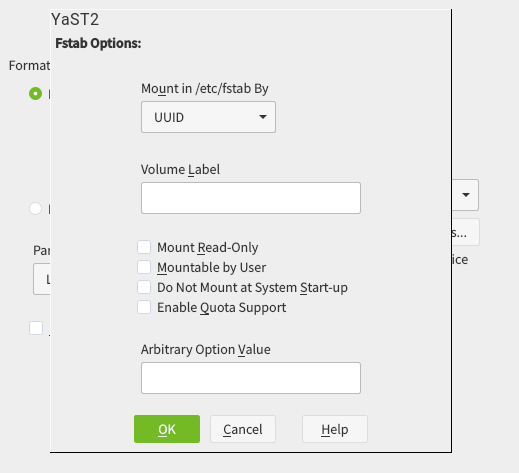
And, as you can see below, it looks also nicer (or at least less overwhelming) in graphical mode as well. It’s worth mentioning we also took the opportunity to fix other related dialogs that had similar problems.
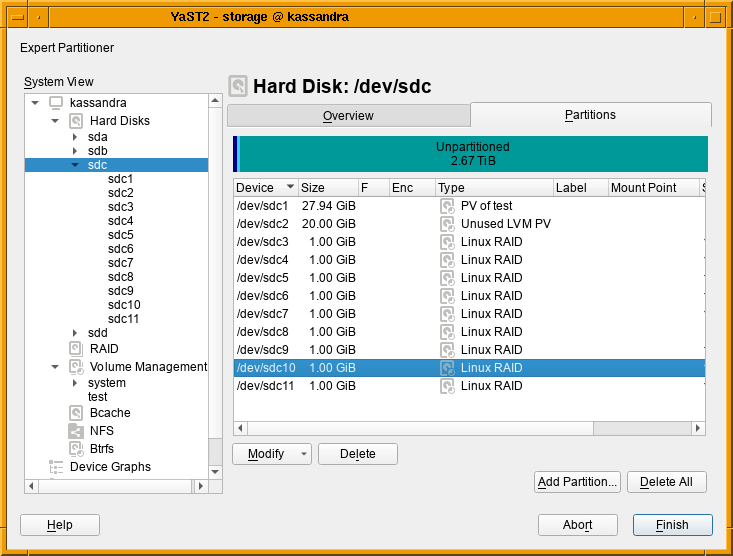
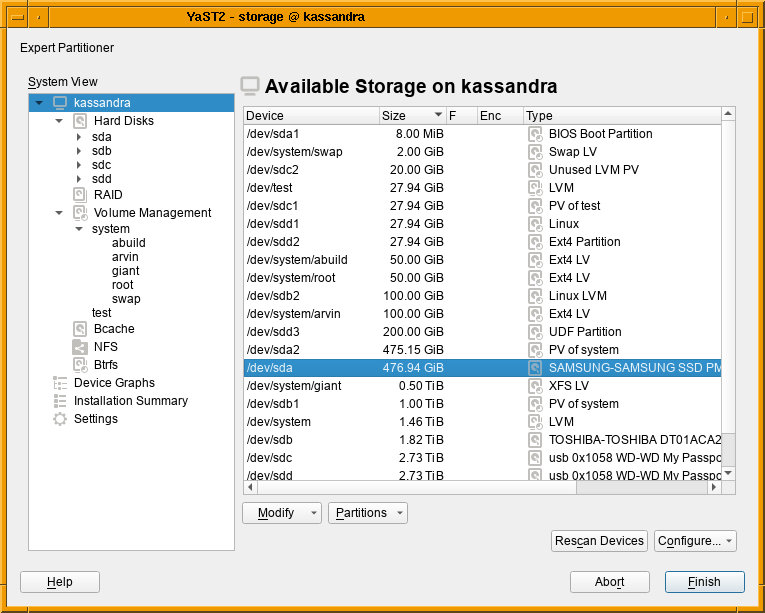
On the other hand, we also got a report about how inconvenient was to always jump to the first tab when a device was selected in the devices tree at the left of the Partitioner, forcing the user to click in the “Partitions” tab (or any other desired one) over and over.
In that regard and as you may remember, a couple of sprints ago we made the overview screen actionable, avoiding the navigation to the device page just to perform a simple action over it. But navigating through the different devices back and forth is still possible and useful. Now such navigation has been improved by remembering the last tab and row selected per section or device whenever possible, which will save you a bunch of clicks when working with multiple devices.
Related to this, we started a public discussion about what should be the default tab the first time a device is visited. Once again, we are looking for opinions. So we would be grateful if you read the thread and contribute to the discussion.
Showing Suggested Values for Kdump Configuration
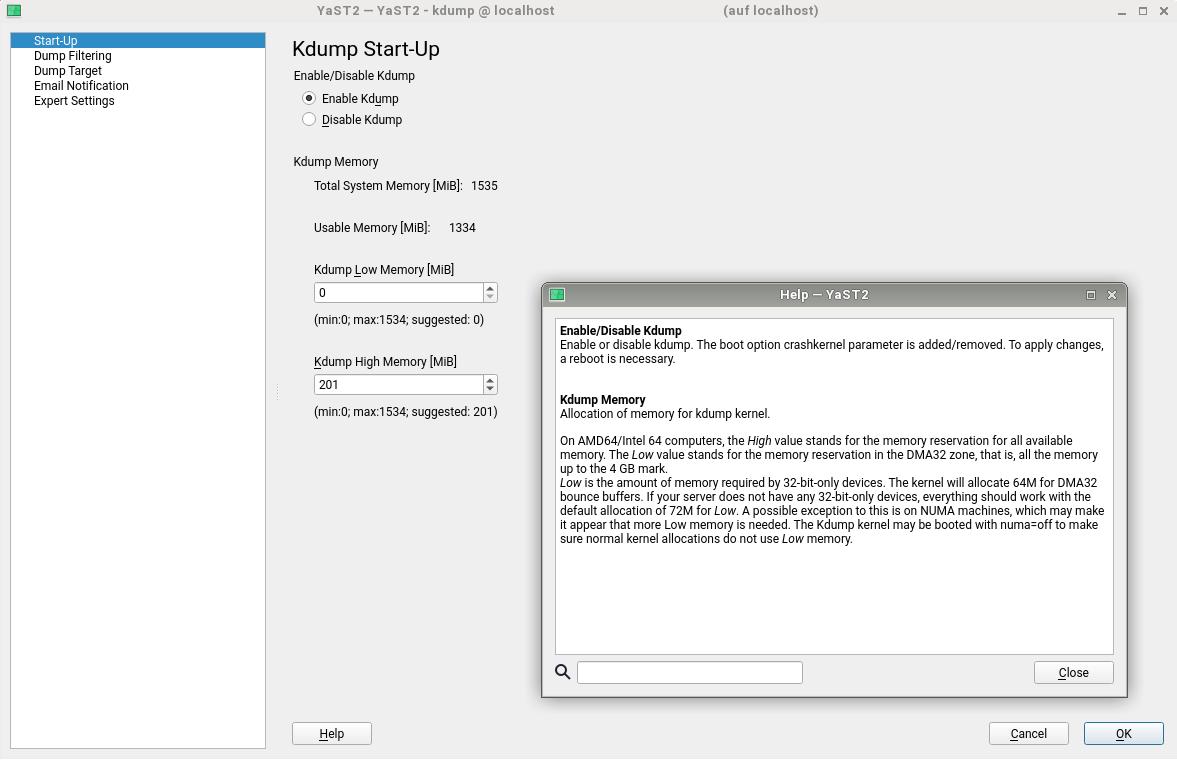
But the Partitioner was not the only YaST module for which our users pointed usability problems via Bugzilla. After some changes in how Kdump works after the migration from openSUSE Leap 42.3 to 15.0, it turned out that using YaST to re-adjust the values was not as helpful as it should be. YaST Kdump displayed the current size of the memory reservations, as well as the min and max margins. But it did not show the recommended default values for the current system, so if the user has adjusted the limits in the past it was impossible to get an up-to-date proposal from YaST calculated for the current system.
We have adapted the dialog to show those suggested values. As you can see below, we also took the opportunity to extend the help text to explain the meaning of the different values.
Better Control of Overridden Kernel Parameter Values
And talking about YaST pieces we are improving step by step, you may remember from our report of sprint 86 that we are adapting YaST to deal with the new structure of the sysctl configuration.
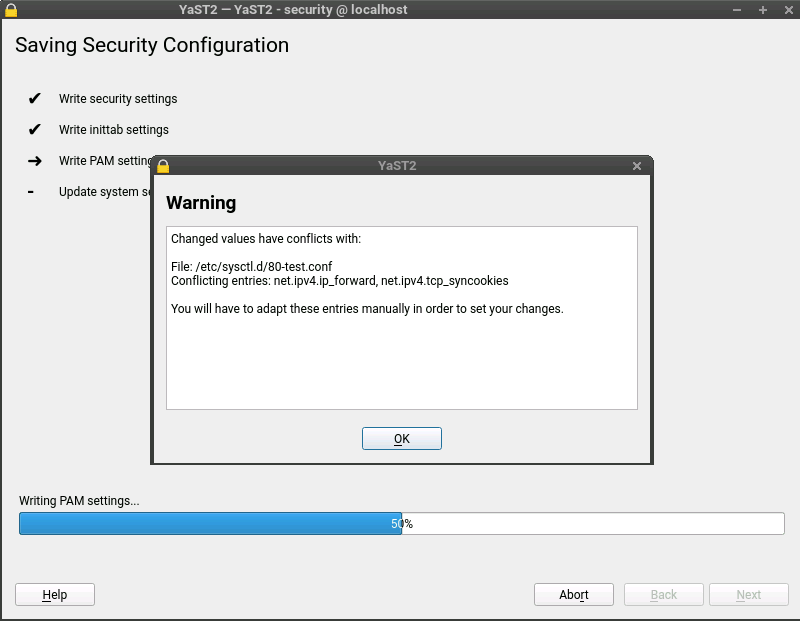
Up to now YaST has stored sysctl values mainly in /etc/sysctl.conf and /etc/sysctl.d/70-yast.conf. But this reflects only a part of the possibilities for storing those values. The truth is that there are many more locations where these settings can be stored: /run/sysctl.d, /etc/sysctl.d, /usr/local/lib/sysctl.d, /usr/lib/sysctl.d, /lib/sysctl.d, /etc/sysctl.conf…
Now YaST also takes care of these locations and informs the user if there are some conflicting values, as you can see in the following screenshot.
The Default Pre-selected SLE Modules
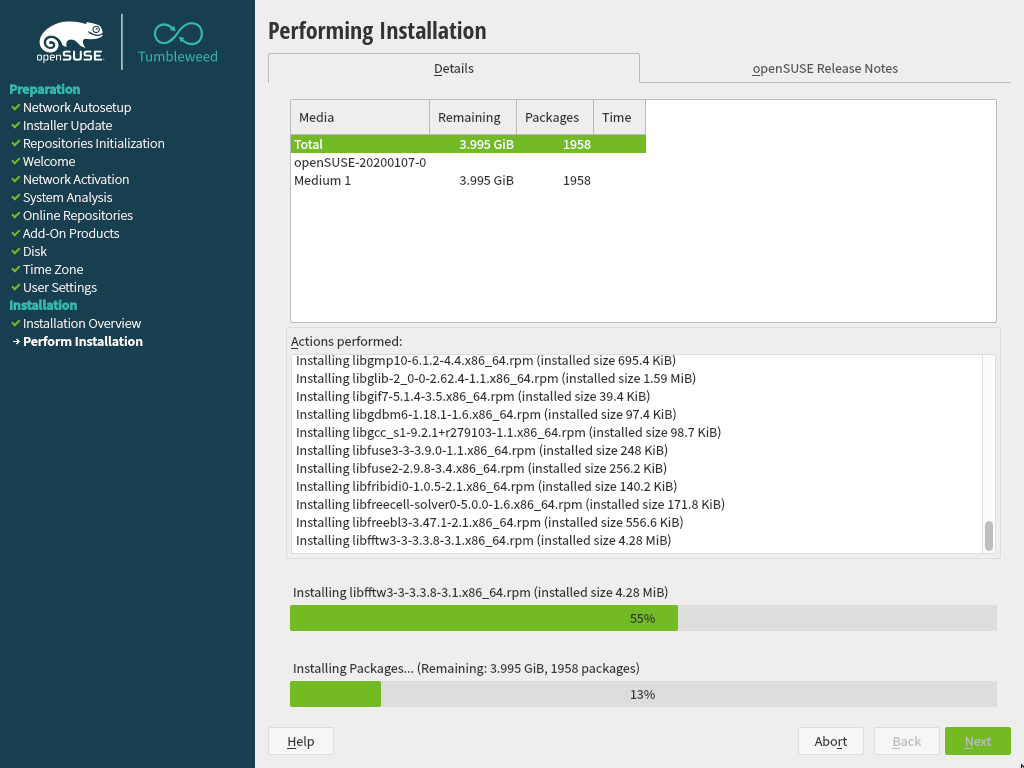
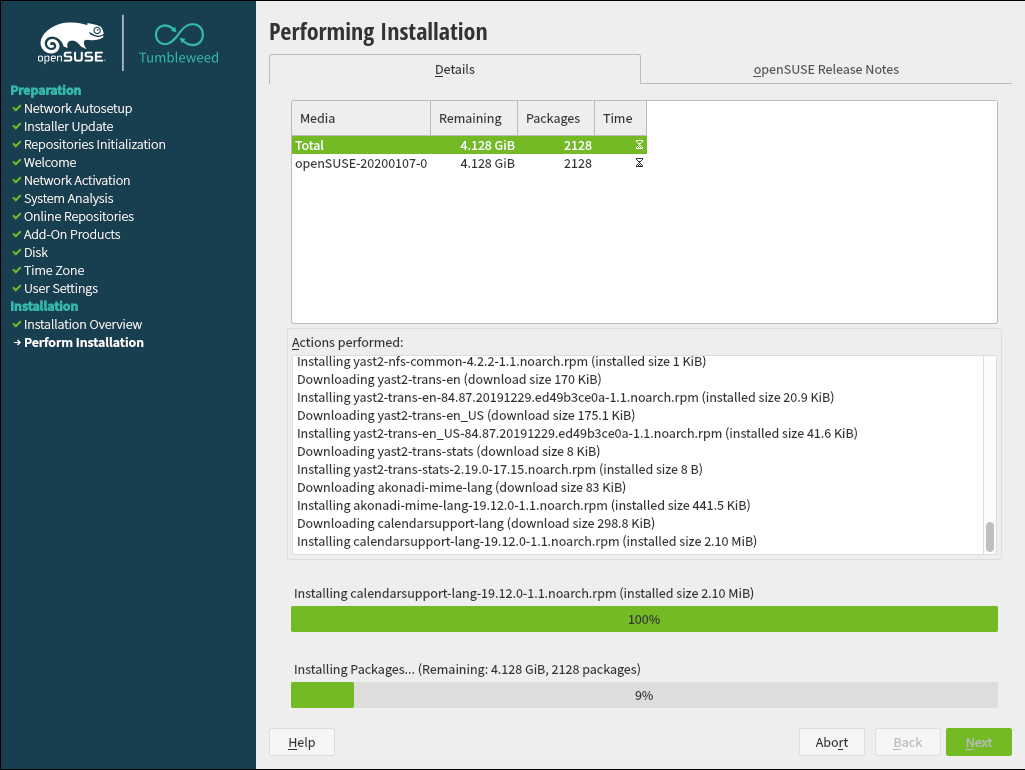
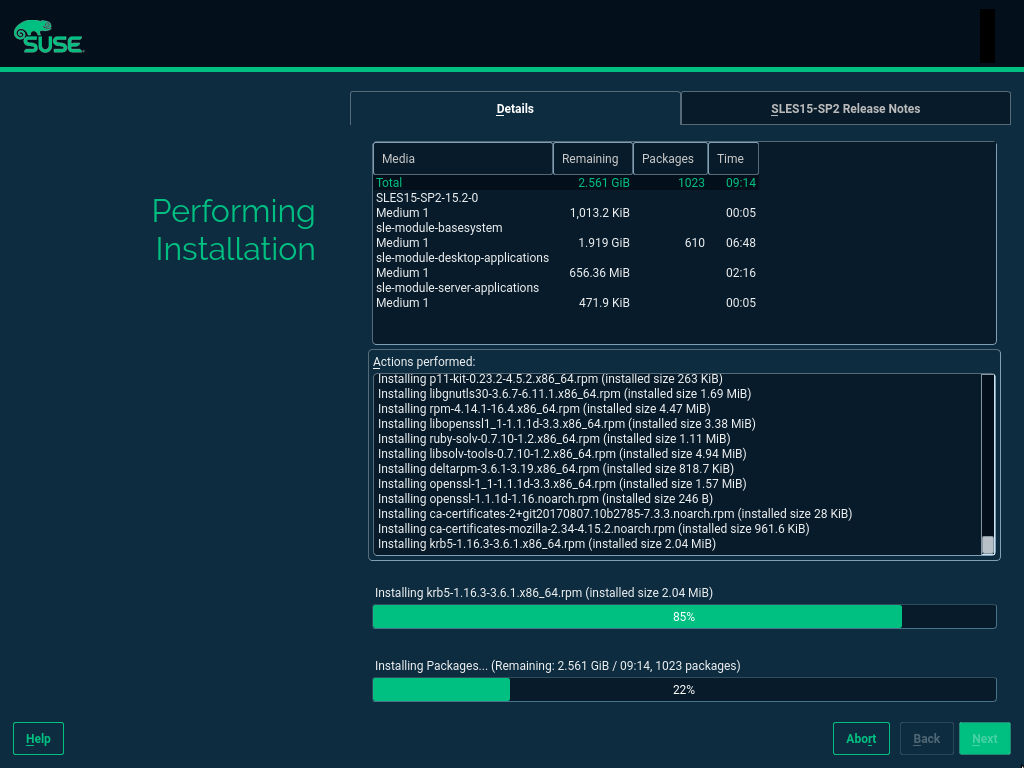
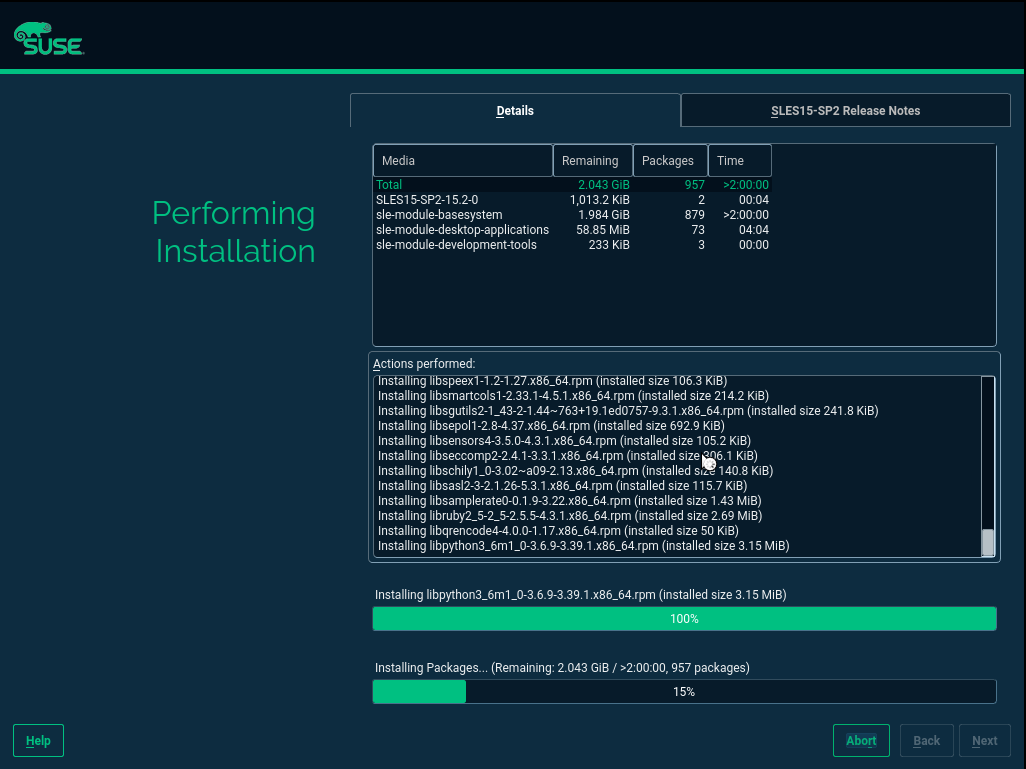
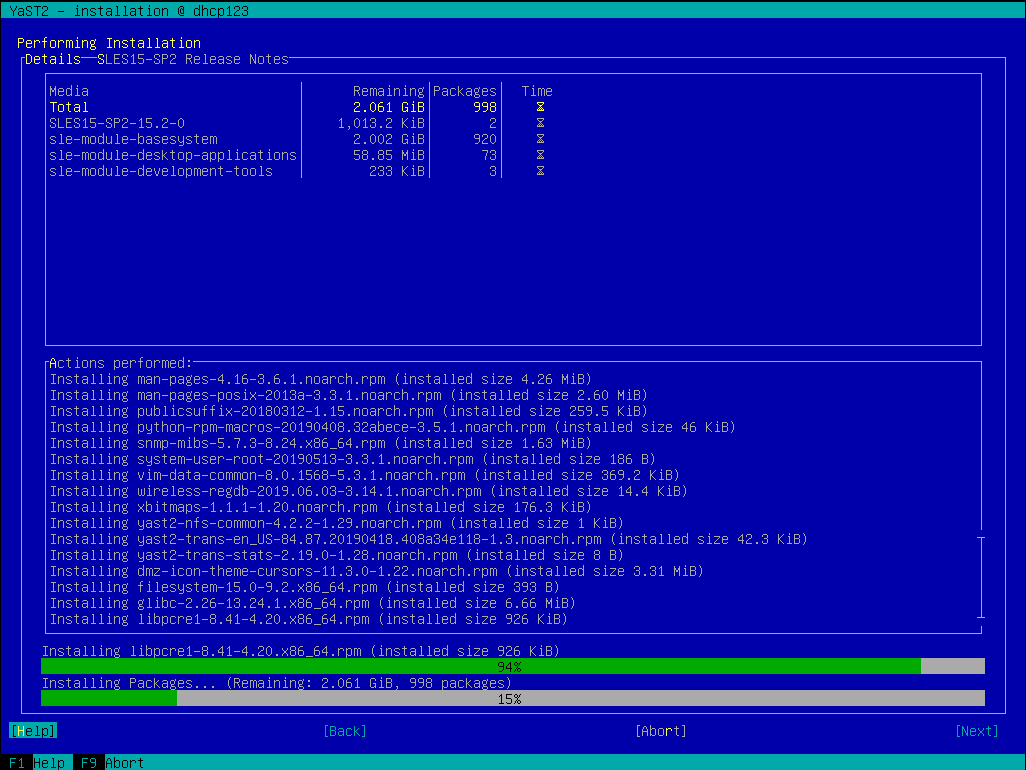
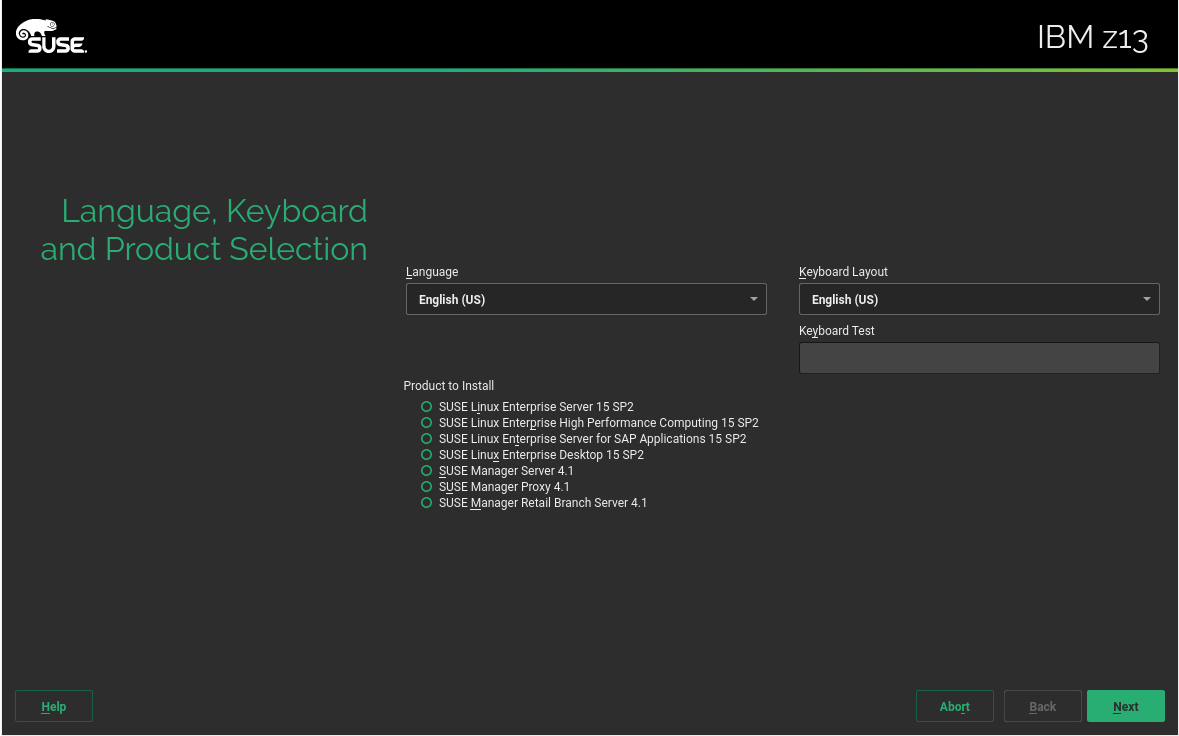
We have also invested some time smoothing some rough edges off the installation process for the upcoming openSUSE 15.2 and SLE 15 SP2. For example, if you register your SLE 15 product during installation you will see the available modules and extensions in the following dialog. Some of them are by default pre-selected because they either contain the base system components (kernel, glibc,…) or the product specific packages (e.g. GNOME for SLE Desktop).
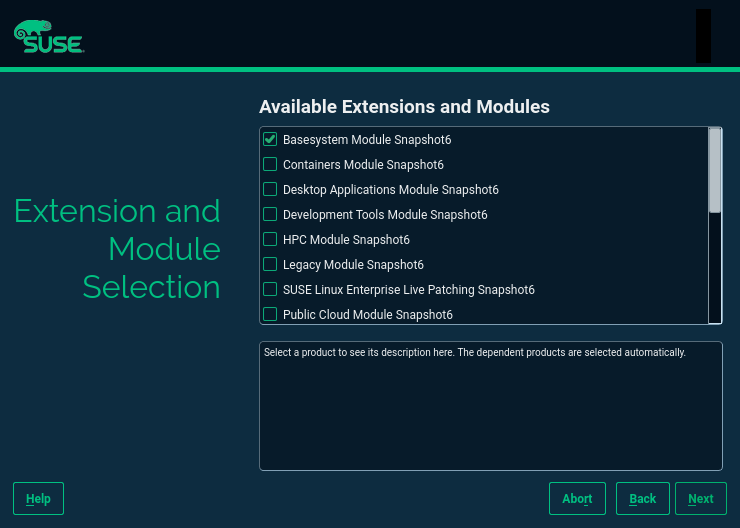
However, if you skip the registration and use the packages from the DVD medium there were no modules or extension pre-selected. The problem is that the information about the default modules was only available in the SCC data which obviously is not available in an offline installation.
In SLE 15 SP2 we added this extra information to the installer configuration files so now also in an offline installation YaST can preselect the default modules for each product.
Proposing NTP Servers During Installation
And talking about offering sensible defaults for installation, we also improved the situation regarding the configuration of the NTP server. For openSUSE based systems (including Kubic) and a few SUSE products, like CaaSP or SLE High Performance Computing, YaST sets up the NTP daemon during installation. YaST tries to determine which server to use through the DHCP information but, when it is not available, it will propose one from openSUSE and SUSE pools (e.g., n.opensuse.pool.ntp.org where n is a number between 0 and 3).
However, we still were using the novell.pool.ntp.org pool for SUSE based products. During this sprint, we have switched to the suse.pool.ntp.org pool of servers and, additionally, we have refactored some code in order to reduce duplication and improve testability.
Secure Boot Support for IBM zSeries
You may have noticed by the recent sprint reports that we are improving several aspects related to the installation and configuration of zSeries mainframes. This sprint was not an exception… and will certainly not be the last one in that regard.
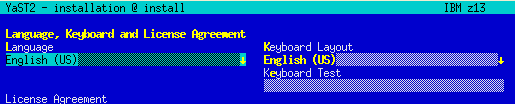
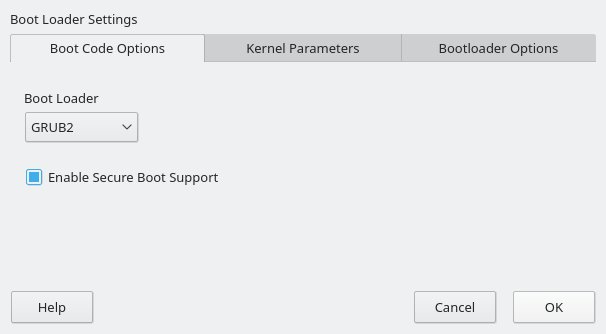
As a result of that effort, YaST now supports the Secure Boot feature found on the latest zSeries machines. It’s rather similar to the existing UEFI Secure Boot so we took the opportunity to unify the Secure Boot handling found on different architectures.
This means you get this checkbox if your zSeries machine does have Secure Boot support.
In addition, we added a shortcut link on the installation summary screen that lets you enable Secure Boot with just a click.
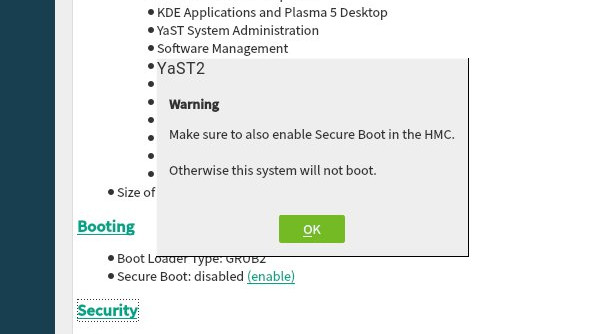
As mentioned, we took the opportunity to unify the management of Secure Boot in all platforms, so this new shortcut link is also available in x86_64 or aarch64 machines that have UEFI Secure Boot.
Automatic Configuration of I/O Devices in zSeries
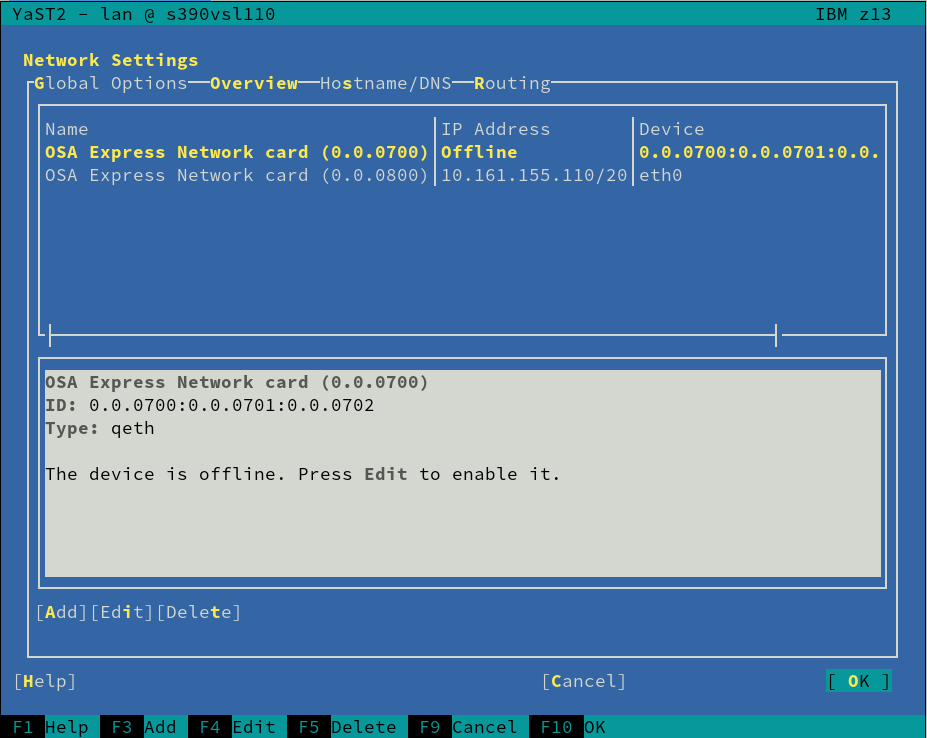
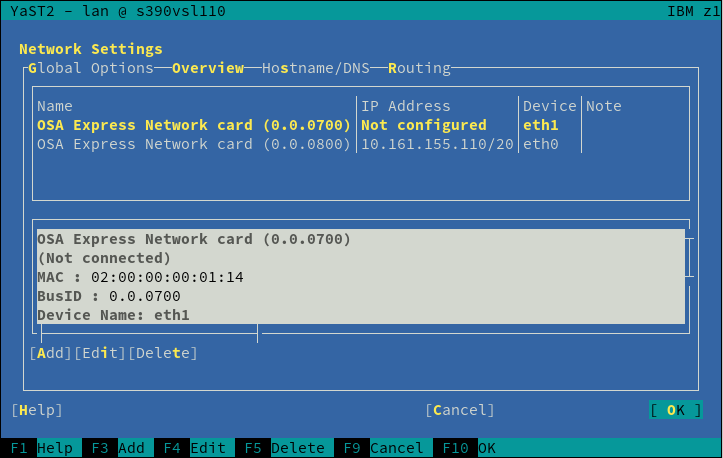
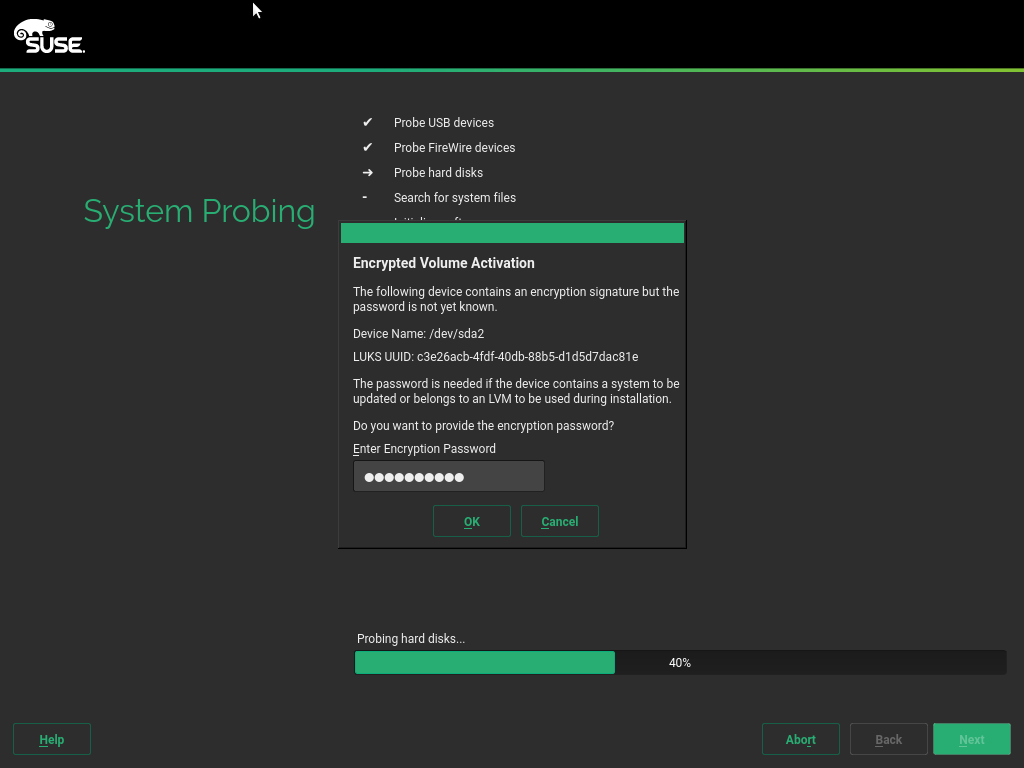
And talking about zSeries mainframes, anyone having used Linux in one of those systems know that input/output devices, like disks or network cards, must be configured and activated before they can be detected and used normally by the operating system.
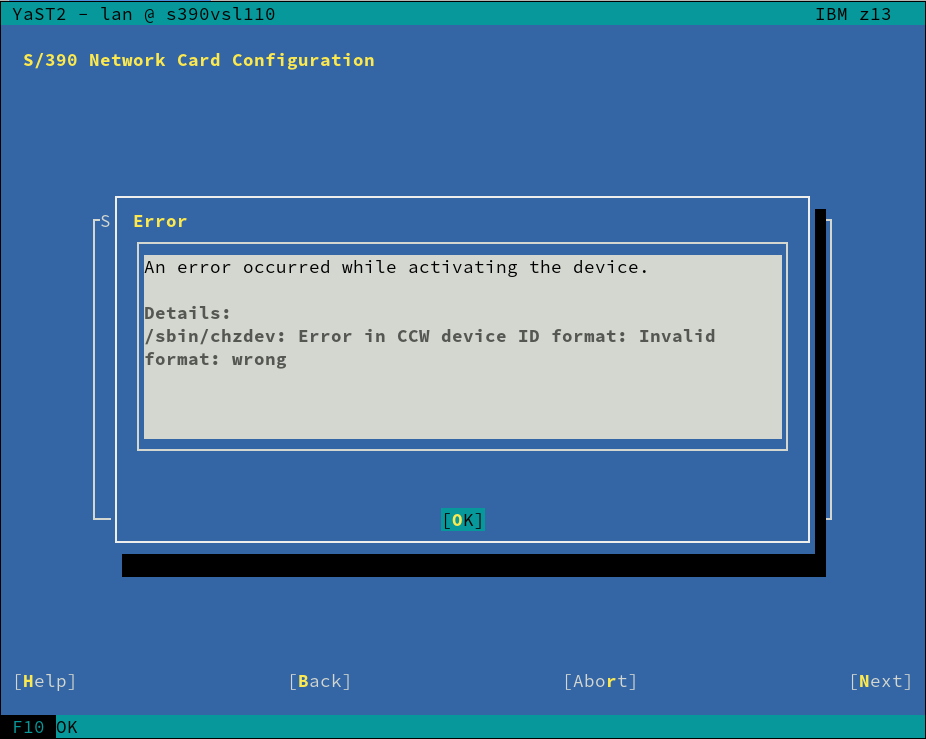
But thanks to the new I/O device auto-configuration mechanism, users can now specify IDs and settings of I/O devices that should be automatically enabled in Linux. We modified the installer to detect such configuration and trigger the corresponding configuration actions, removing the need of manually activating disks and network devices during the installation process.
This is still an experimental feature and we are waiting for feedback to make sure the current implementation works in all the desired scenarios. If everything goes as expected, the feature will debut in SLE 15 SP2.
Hack Week
As said at the beginning of the post, the main reason for spending almost a month without publishing any report was that the whole YaST Team at SUSE was diving into completely different topics due to Hack Week 19, which theme was “Simplify, Modernize and Accelerate”.
There were not many projects related to YaST in this edition of Hack Week, but there are at least two that could be interesting for YaST fans and contributors. Fortunately, we have published reports for both of them in the yast-devel mailing list. So check out the results of “Learn Crystal by Porting Part of YaST to that Language” and “YaST Logs Analyzer“.
More to come
Now that we are back to our usual development pace, we should have more news about YaST development in a couple of weeks. The plan is to focus on fixing bugs for the upcoming releases of openSUSE Leap and SUSE Enterprise Linux, but we are pretty sure we will still find interesting bits of information for you.
Meanwhile, keep in touch through the usual channels and have a lot of fun!